
AcroLens
New in 1.1: select text in any Mac app, then use Services > Look Up with AcroLens for context-aware acronym results.

Description
Understand acronyms from Safari or any Mac app without breaking focus.
AcroLens gives you the right acronym meaning for the sentence you are reading, not a long list of unrelated definitions. Select text in Safari, Mail, Notes, PDFs, documents, or other macOS apps, then send a short context window to AcroLens for the most likely explanation.
Built for research, work, technical reading, finance pages, medical articles, product docs, and any place where the same acronym can mean very different things.
Key Features
• Context-aware acronym explanations AcroLens looks at nearby text so terms like API, ARR, SLA, ETA, and CTO can be explained in the right domain.
• Look up selected text in any Mac app Select an acronym or abbreviation, right-click, choose Services, and open Look Up with AcroLens to search from the macOS app you are already using.
• Safari reading workflow Use the Safari extension to explain selected acronyms directly from the page you are reading.
• Saved Terms Keep useful explanations in your personal Saved Terms collection for later review.
• Search history Return to recent lookups without repeating the same search.
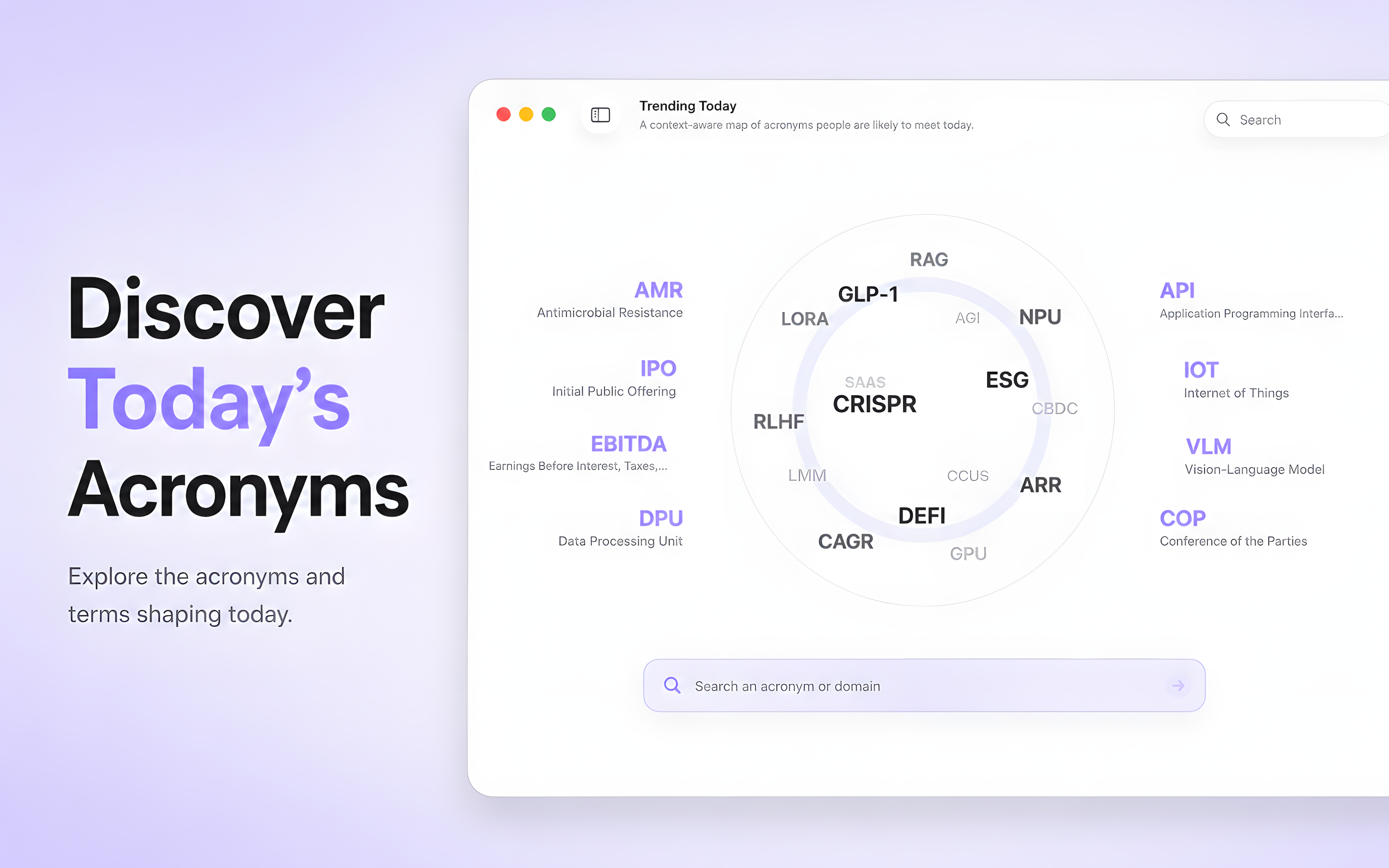
• Trending Today Browse current acronyms and terms people are likely to encounter in news, technology, business, and online discussions.
• Privacy-conscious context handling AcroLens is designed to send only the selected term and a short surrounding text window needed for explanation.
How It Works
1. Select an acronym, abbreviation, or domain-specific term. 2. Use the Safari extension, or right-click selected text in any Mac app and choose Services > Look Up with AcroLens. 3. Get a concise explanation matched to the surrounding context, then save useful results to Saved Terms.
AcroLens is for people who read across specialized domains and want faster understanding without breaking focus.
Screenshots